Someone to sitwith you.
When it’s time to drink, water goes up the side of your screen. When it’s time to rest your eyes, she shuts hers.
Free. macOS 12 or later, on Apple Silicon and Intel.
Open floatyduck.app on your Mac to download her.
Go on, poke her.
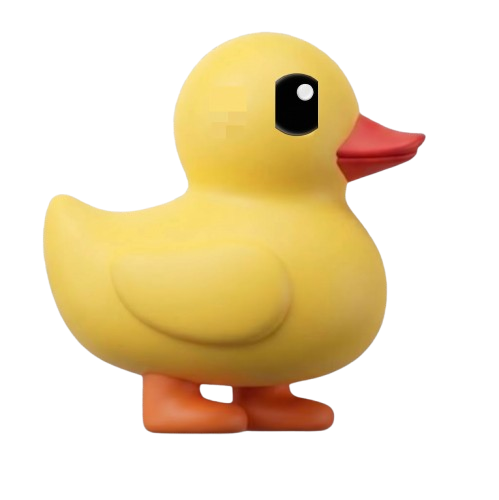
What Floaty does, on your screen
Water, up the side of your screen.
Eight glasses between nine and nine, and she works out the gaps herself. No window opens — the droplets just rise past whatever you were doing.
Eye rest. She takes the whole screen.
Every twenty minutes everything goes dark for a couple of seconds and she dances in the black. Shut your eyes until she stops.
Timers, over her head.
Start one with a keystroke. The countdown sits above her, and when it runs out you get three little dings and a notification.
And the rest of it,in one window.
Every reminder she keeps, in folders you name. Fixed times for the start and end of your day, spread ones for everything else.
Make her yours.
Free, always
- Floaty herself
- Water, spread across your day
- Eye rest every twenty minutes
- The start and the end of your day
- Quick timers
- Light or dark, following your Mac
Once, and then forever
- As many reminders as you like
- Folders of your own
- Your own duck in place of hers
- Your own sounds
Unlock it from inside the app, whenever you want to.
Nothing leavesyour Mac.
No network code
No fetch, no HTTP permission granted, no server anywhere. She has nothing to send and nowhere to send it.
No account
Nothing to sign up for and no email needed. Even the paid unlock is checked on your own machine, not against ours.
Signed and notarised
Notarised by Apple under a Developer ID, so Gatekeeper lets her open without a warning and you can verify who built her.
~/Library/Application Support/com.saurabhgrewal.floatyduck/
That folder is all of it: your reminders, your timers, your notes. This website counts anonymous visits so we know whether it works. The app never does.
She’s waiting.
Free. macOS 12 or later, on Apple Silicon and Intel.
Open floatyduck.app on your Mac to download her.